Changelogs
Stay up to date with the latest changes and enhancements.
Stay up to date with the latest changes and enhancements.

09. Mar 2025
Share
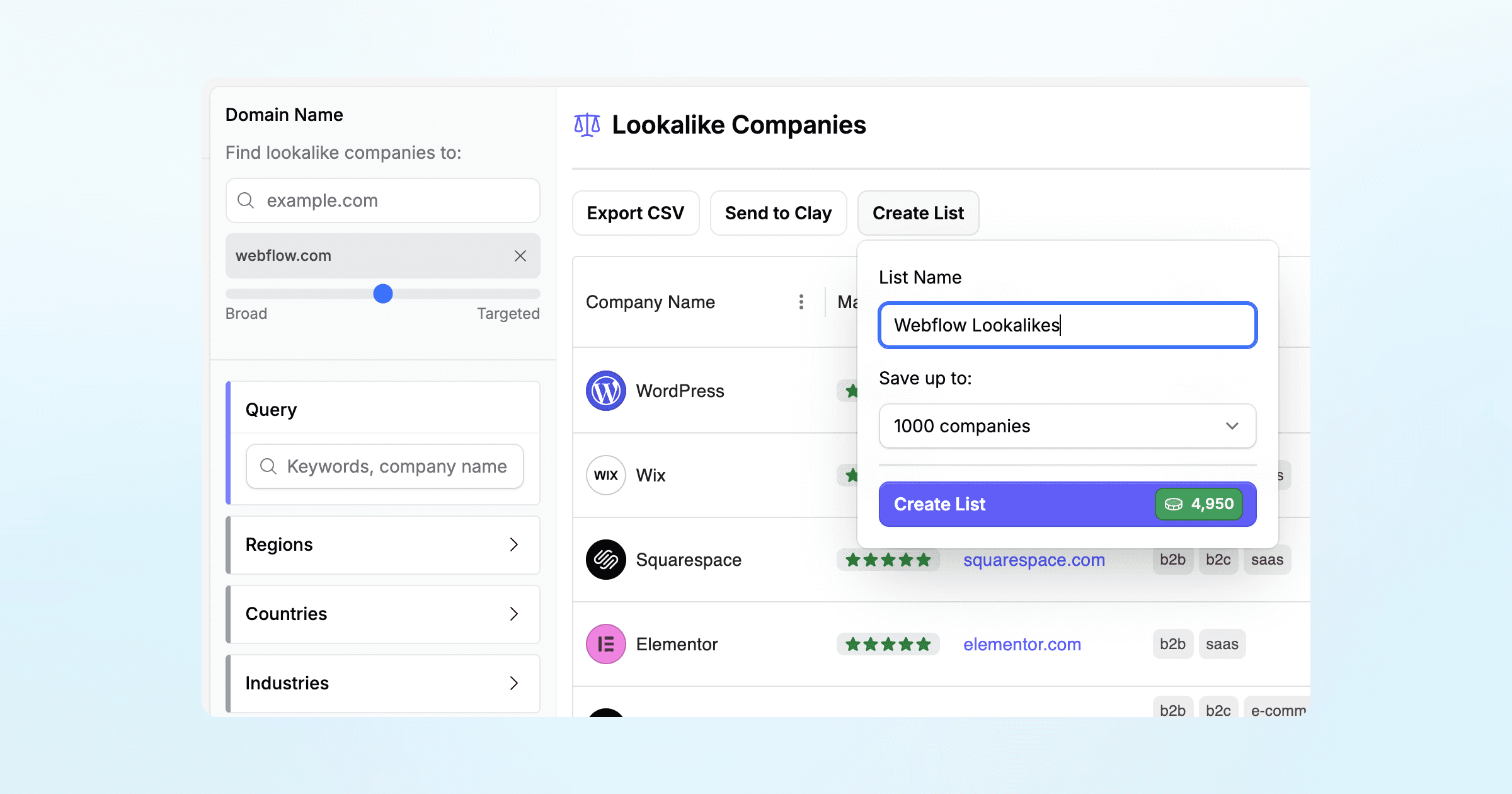
You asked, we made it! You can now save your company lists with just a click.
After running a company search or a lookalikes:
Click the “Create List” button.
Give your list a name (e.g. “SaaS companies in Germany”).
Select the amount of the companies you want to save (e.g. 3000 companies)
That’s it, your list will be saved under the Company Lists tab.
You can re-visit your list anytime without spending extra credits. From there, you can:
Apply additional filters
Export the list
Send it to Clay
Send it to Apollo for contact enrichment